
Build apps rapidly with this low-code platform
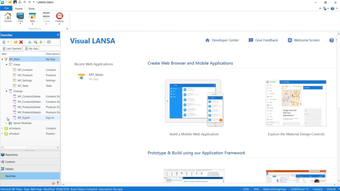
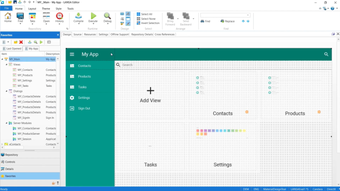
Visual LANSA is a handy development software that enables you to develop applications with ease. A product of LANSA, this hybrid low-code integrated development environment (IDE) allows coding on both client-side and server-side apps from within and authorizes you to deploy them anywhere.
Offering the ability to comfortably build entire applications within its ecosystem, Visual LANSA is an all-in-one solution of an IDE—benefiting every technical role you have with its numerous features. This program has a free 90-day trial available and three subscription plans differing on the number of concurrent users in your organization.
What is Visual LANSA?
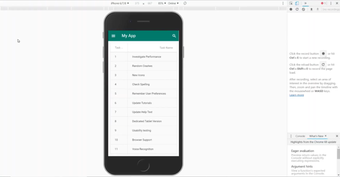
In simple terms, Visual LANSA is a low-code development platform designed for quickly creating, deploying, and operating applications without requiring your manpower to exert themselves. With its hybrid approach, it combines low-code and traditional coding, allowing you to both develop different types of programs—like progressive web apps (PWAs) and mobile apps—and build them using many of the same tools and assets in the IDE. Thus, developers don’t have to learn several web development languages to be able to use this software to its fullest extent.
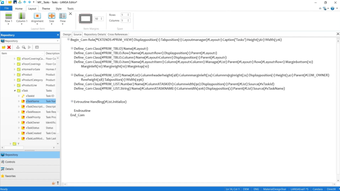
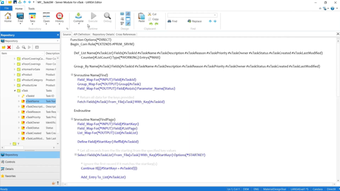
Additionally, it has the versatility to code both client-side and server-side apps, so you can directly create whole apps in it and simply migrate existing ones written in other languages. This software already contains all the essential tools and components for program development in its repository. It also allows for easy integration without needing any application programming interface (API)—effectively cutting down on having to create workarounds. You can easily build web apps that function and feel like native apps without the hassle of going through app stores.
Plus, there’s no limit to where you can deploy your apps. From on-premises IBM i and Linux servers to cloud servers like Azure and Amazon Web Services (AWS), you can easily deploy and even swap databases or server platforms if you want. This software’s multiple deployment and migration capabilities help you avoid any lock-ins and leaves you fully in control over where and how you want your applications to run. Every feature is designed with speed and efficiency in mind for all possible members of your team.
Fit for any team
Visual LANSA is a platform that impacts every area of a business—designed as an aid to delivering company‑wide innovation, productivity, and control. Thus, you can expect it to be of great use to everyone involved. Your developers can become full-stack developers who can quickly create apps since they can use the same language and IDE for any project. This program allows for easy-to-maintain apps for integrated system vendors (ISVs). IT managers can also benefit from how it enables rapid creation and deployment to get ahead of their application backlog.
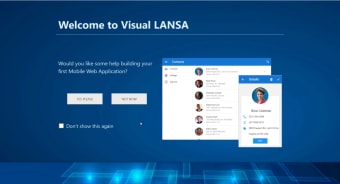
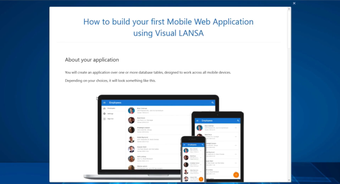
Thus, it’s really convenient that you can easily test this with its free 90-day trial by simply signing up. For its subscription plans, there are three choices depending on the number of users you have. Entry Level supports up to 100 users, Mid-Tier can cater to 250 users, while Enterprise supports up to a whopping 1,000 users. For its tutorial, the official website offers documentation on the software with guides and articles—although it could use more in-depth video guides accessible within the interface.
Doesn’t limit itself
All in all, Visual LANSA is a highly flexible IDE for creating applications quickly. Not only does it support both low-code and traditional coding, but it also has all-around integration and numerous platforms for deployment and migration. It’s easy to use since you don’t need to learn other programming languages, too. While it doesn’t have a fully extensive collection of built-in tutorials and tips, it does offer easily accessible documentation and chat support.



.png)